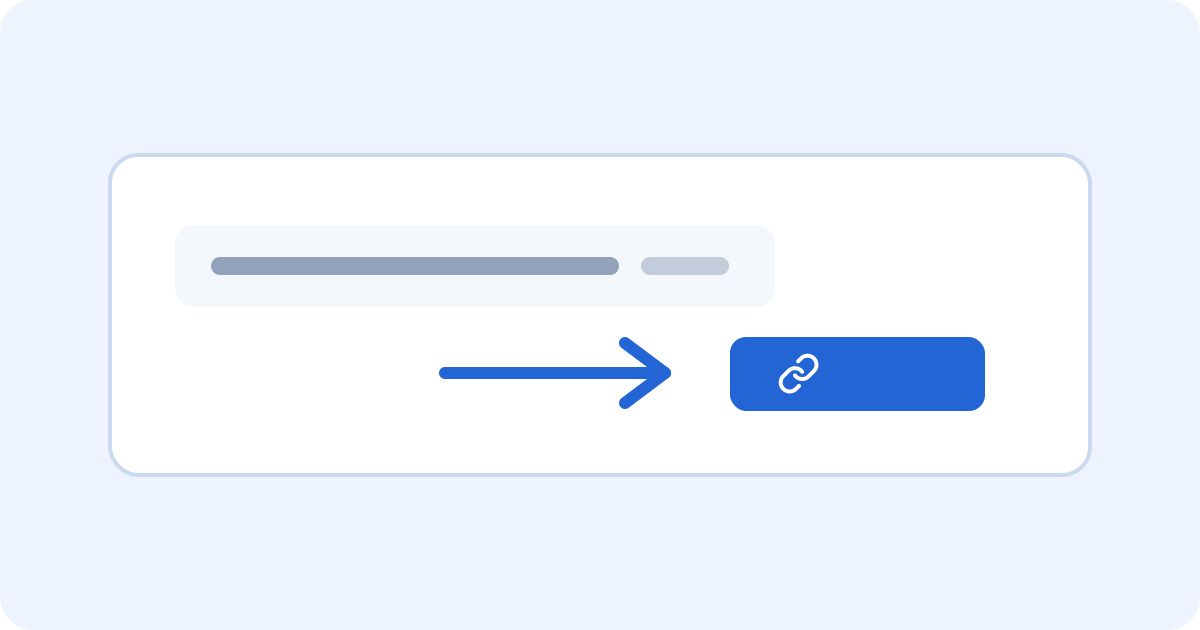
A long address is useful to a browser, but rarely useful to the person reading your message. Shortening it makes sharing a little easier.
1. Copy the original address
Open the page you want to share and copy its full address from the browser. Include https:// or http://. Check that it is the page you intended, especially if you reached it through a search result.
2. Paste it into Shortsy
On the Shortsy homepage, paste the address into the URL field and select Shorten URL. Shortsy saves the destination and creates a randomly generated short link. You do not need an account.
3. Copy and share
Select Copy, then paste your short link into a message, an email, or a social post. Anyone opening it is redirected straight to the destination. There is no waiting page.
Keep the option to make changes
Before closing the creation tab, select Manage link and enter your email address. Open the email to verify that address. You can then edit the destination, disable the link, and view its aggregate click count.
The creation secret expires after 24 hours. If you leave without connecting your email and lose the original browser session, knowing the short URL alone will not let you claim the link. This protects it from being claimed by someone else.